What's new: October 5 - October 10, 2026
Some things are better done together. This week, we're bringing one of your most-requested features to Koma: sharing. We've also made mail actions clearer and the experience smoother across the web and Mac.
Sharing is here.
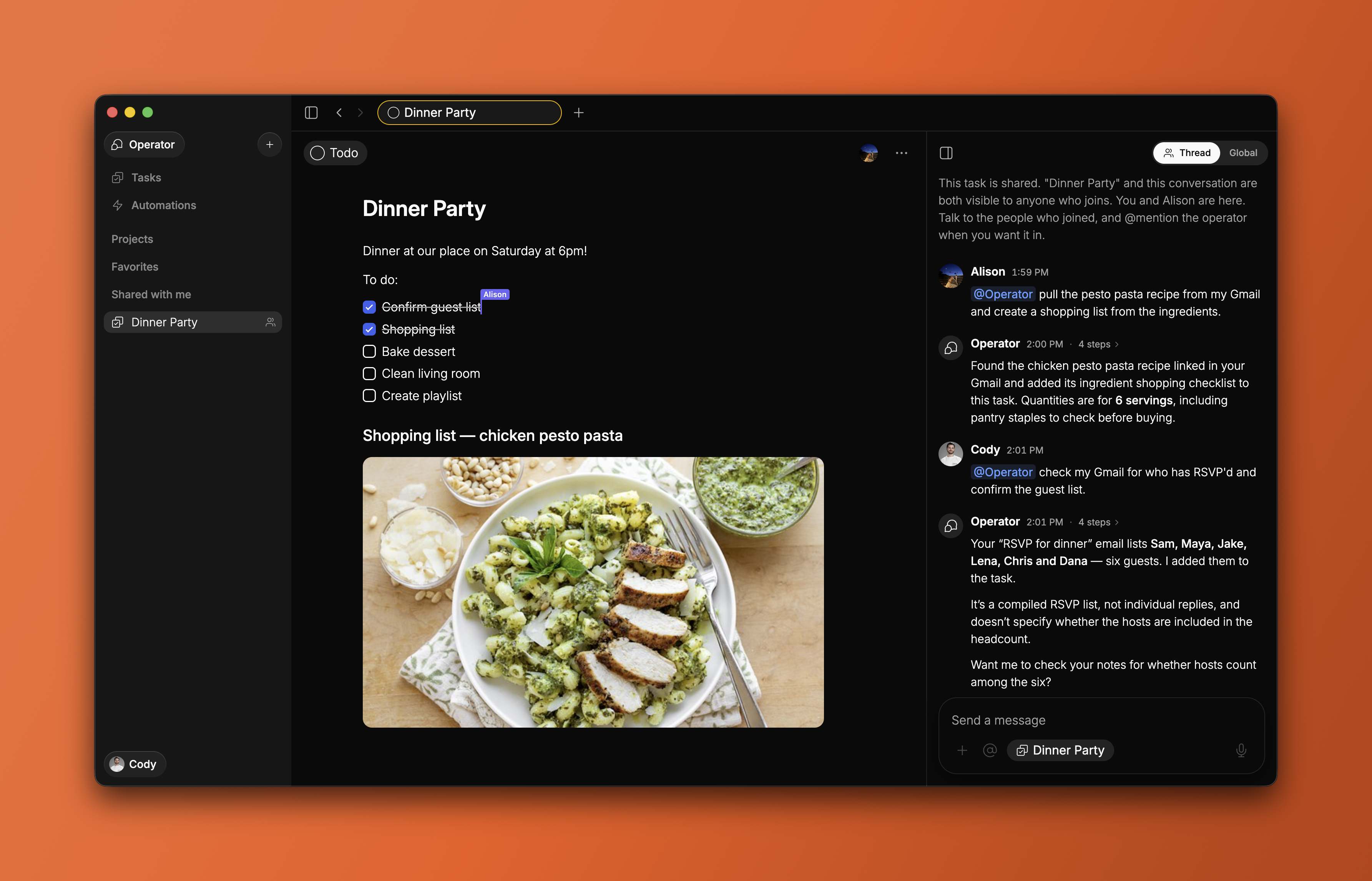
Sharing is one of the top requested features in Koma. It works the way you'd expect from any app you already use: click Share on a task and send the link or invite someone via email. Your partner or co-worker can join you in the task and instantly get to work together.
Everyone works in the same task and brings in their own Operator with their own tools and connections. You bring your Gmail connection, they bring their Google Drive, both working towards the same goal. No other app allows you to do that, let alone any to-do list.
For now, you can share one task at a time. But we're going way beyond this.
Clearer options for unsubscribing and archiving emails.
Mail suggestions now take you straight to the action and give you a concise outcome. Unsubscribe and archive choices are clearer. Double taps and late updates no longer leave a handled suggestion looking unresolved.
Interface improvements.
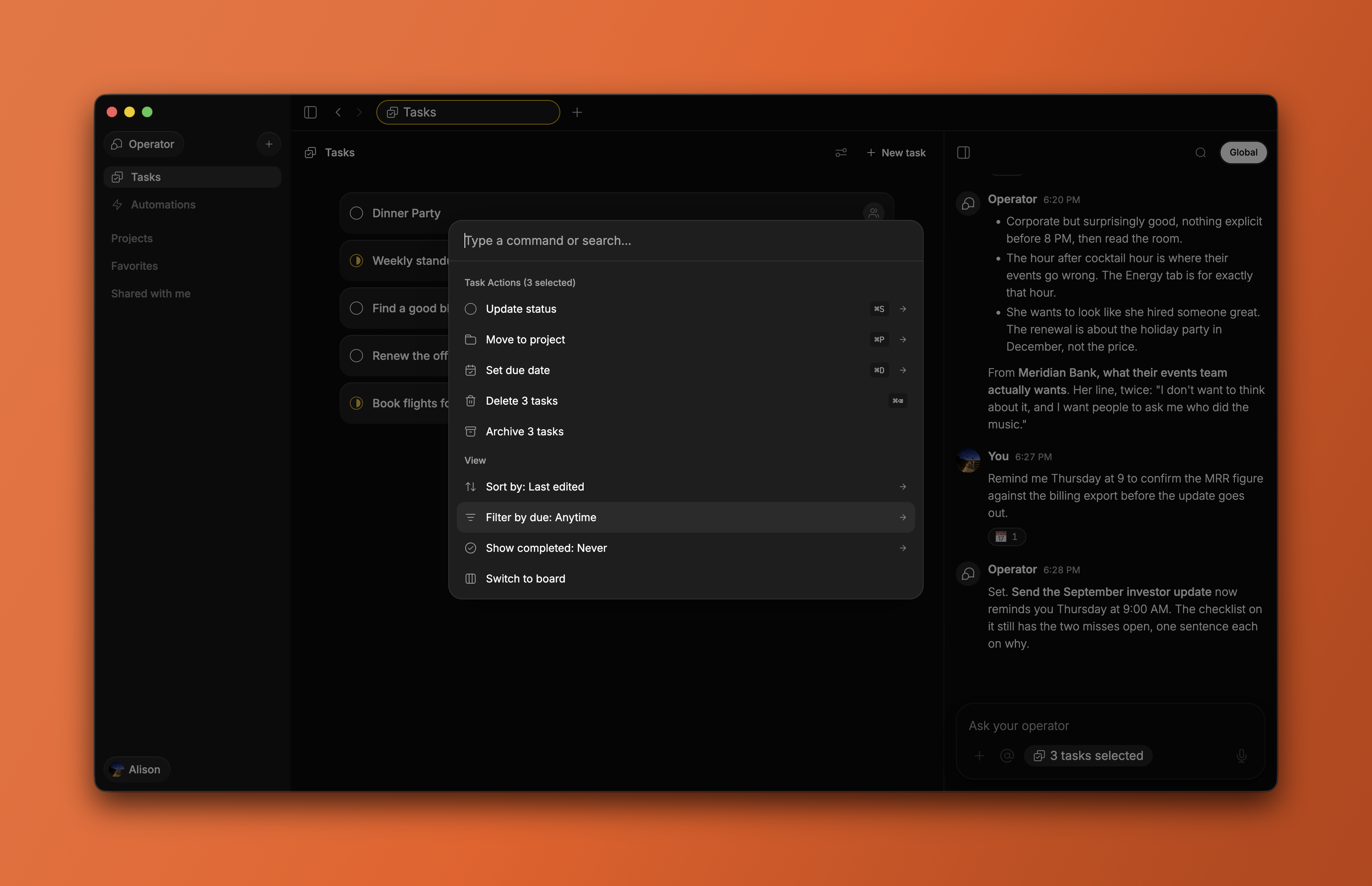
View menus are more consistent, and projects have their own filters. More actions are available from the command palette. Incoming updates no longer overwrite text while you’re editing.
All updates
Share a single task by sending a link or inviting someone via email.
View menus are more consistent across pages.
Projects have their own filters.
More actions are available from the command palette.
Page headers are cleaner.
The Favorites action now has one home in the item's menu.
Menus transition more smoothly into dialogs.
Metadata pills have smoother animations.
Mention links open more reliably, and chat alignment is improved in Safari.
Stale updates no longer overwrite the body you have open.
Due-date pickers have improved positioning.
Automation and expert conversations keep their context more reliably.
Memory descriptions are clearer.
Mail suggestions act directly and show concise outcomes.
Handled mail suggestions stay settled after double taps or late updates.
Unsubscribe and archive choices are clearer.
Task working indicators reflect whether work actually started rather than flashing for every capture.
Connection-consent screens are redesigned, with more reliable return handling and clearer Safari sign-in guidance.
New Agents and Connections pages include setup guides and attribution for work from outside agents.
Developer guides include new recipes and event documentation.
News videos now match the article's width.
Public article pages load reliably again.
Website demos, social links, and device-appropriate download buttons have been refined.
Privacy disclosures have been updated.